How to Start Learning Video Editing: From Choosing Software to Your First Project

· 2 min read

How to Start Learning Video Editing — From Choosing Software to Your First Project
You don’t need an expensive computer or a paid course to learn video editing; you need the right starting point and consistent practice. In this post, we’ll walk through the steps to help you complete your first video from scratch.
1. First, Understand What Editing Really Is
Editing is not just about cutting clips. It’s about storytelling: deciding which parts to keep, which to remove, and where to add music or text. From day one, think about what viewers should understand after watching your video.
2. Choose Your Software
- On mobile: CapCut, VN — easy to use for beginners.
- On a computer (free): DaVinci Resolve — professional-quality software with many powerful features available in the free version.
- On a computer (paid): Adobe Premiere Pro — widely used for agency work and client projects.
Tip: Choose one editing software and stick with it for at least two months. Constantly switching between software programs can slow down your learning progress.
3. Learn These 5 Skills First
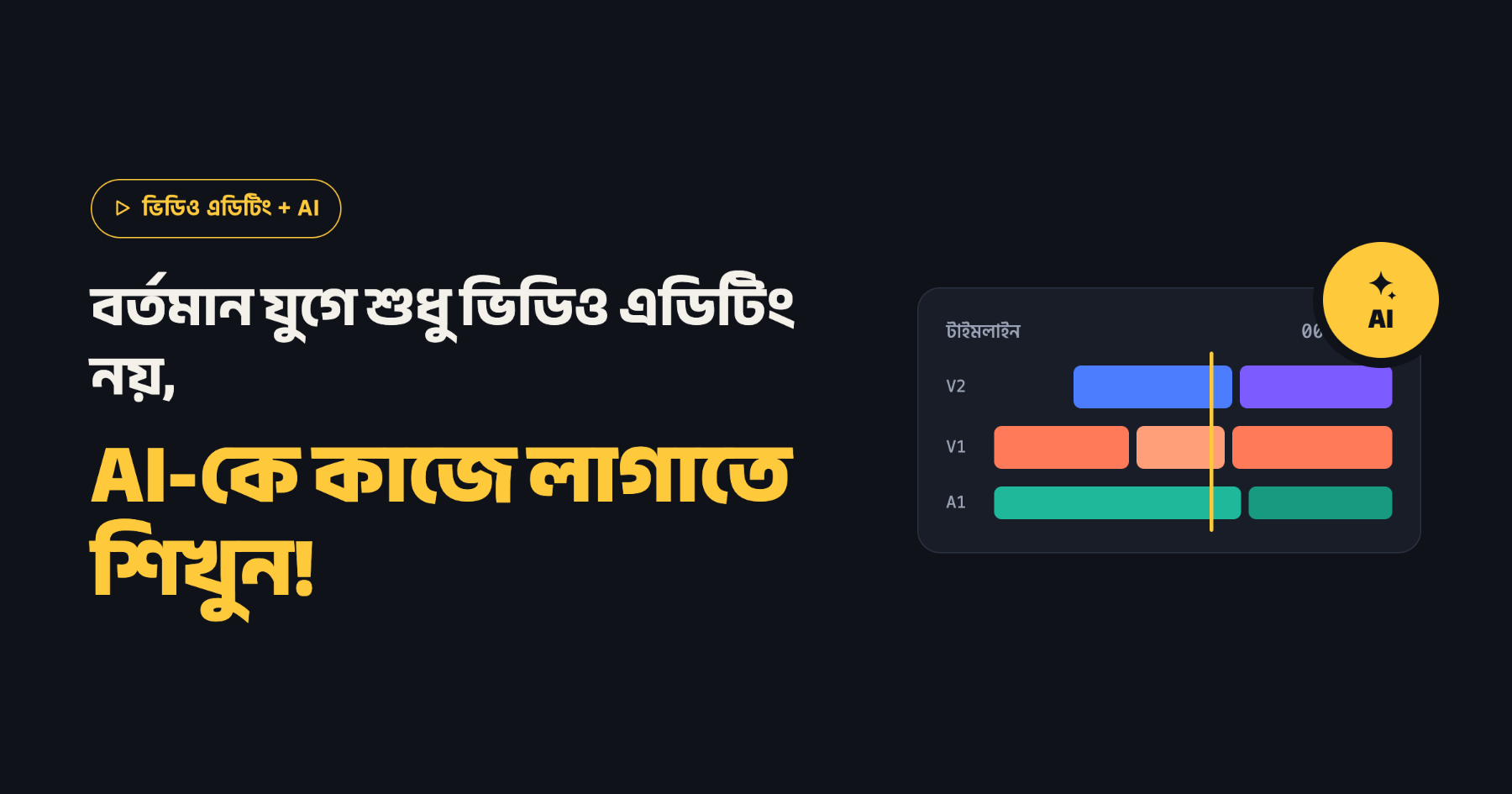
- Placing, cutting, and arranging clips on the timeline
- Using transitions (less is often better)
- Adding text and titles
- Adjusting music and audio levels
- Exporting with the correct settings (such as 1080p)
4. Your First Project: A One-Minute Video
Record 10–15 short clips of your daily activities using your phone. Use them to create a one-minute video: add a title at the beginning, music in the middle, and your name at the end. This small project will help you practice all the basic editing skills.
5. Build a Learning Routine
- Spend 30–60 minutes practicing with your editing software every day.
- Complete one short video every week instead of leaving projects unfinished.
- Watch videos you admire and pay attention to where the cuts happen and when the music changes.
Final Thoughts: You don’t start with a perfect video; you start by finishing a video. Create your first one-minute video today.